Best Shopify translation apps
 By Le Thi Hien · Updated November 2026 · 9 min read
Six Shopify translation apps compared on free plans, word and language limits, prices and reviews, read from their public App Store listings in November 2026.
At a glance
| App | Best for | Starting price | Free plan | Rating and reviews |
|---|---|---|---|---|
| Translate store - GTranslate | Unlimited words on every plan | $12/ | Yes, all languages by machine | 4.6 from 679 reviews |
| langify - translate your store | Manual translation in many languages | $17.50/ | Yes, up to 5 languages by hand | 4.7 from 727 reviews |
| Weglot: AI Translation & SEO | Word-based plans with SEO handling | $17/ | Yes, 1 language and 2,000 words | 4.5 from 828 reviews |
| T Lab - AI Language Translate | Large catalogs on a small budget | $11.99/ | Yes, 500 products in 1 AI language | 5.0 from 1,044 reviews |
| Shopify Translate & Adapt | Two languages at no cost | Free | Yes, the only plan | 4.4 from 1,381 reviews |
| Transcy: AI Language Translate | Language and currency together | $14.90/ | Yes, 1 language and 1 currency | 4.6 from 2,553 reviews |
What we looked at
- How the limit is counted. Some apps count words, some count products, some count languages. The same store can be cheap on one model and expensive on another.
- What the free plan really covers. The number of languages, and whether machine translation is included or only manual edits.
- SEO handling. Translated URLs, hreflang tags and whether search engines can index the translated pages.
- Editing after the machine pass. A side-by-side editor and a glossary for brand terms save hours of fixing.
- Third-party app text. Reviews, upsell widgets and search boxes often stay in English unless the app can reach them.
- Reviews. The rating, how many stores wrote one, and the problems that show up in the low ones.
Back up your store before you run a bulk translation or switch translation apps. A bulk or automatic run can replace translations someone already corrected by hand, and removing an app can leave translated fields behind or take them with it. A backup app such as TinyBackup keeps a copy of your store data you can restore if a run goes wrong.
The six apps
We list the apps from the fewest reviews to the most. The order is not a ranking.
Translate store - GTranslate
GTranslate Inc has listed this app since April 2017, and it is the only app here with no word cap on any plan. It uses a translation proxy, which lets it reach text from most third-party apps, and its Business plan adds translated URLs.
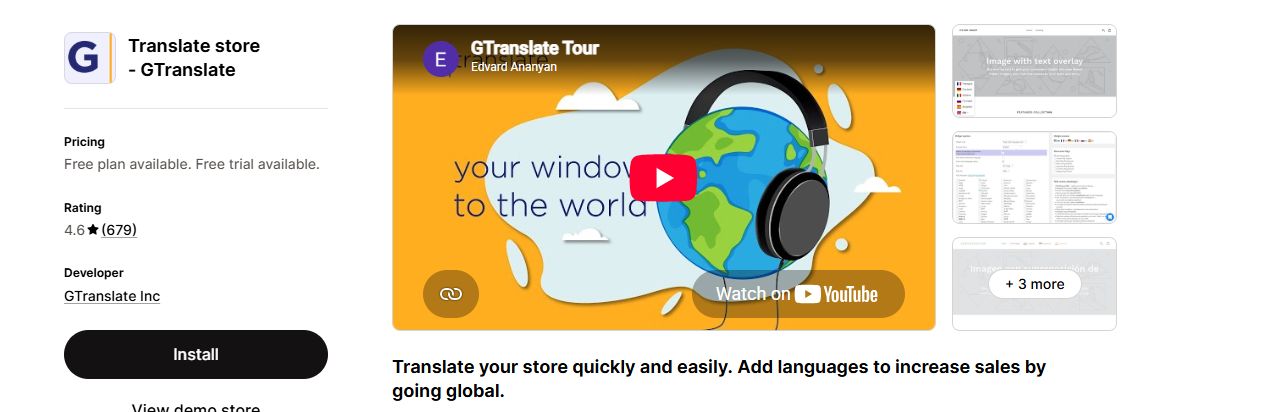
A large catalog that wants a flat monthly price, whatever the word count.
Editing translations and search engine indexing need a paid plan. One reviewer reports being asked to cut translation requests or move to a dedicated server plan.
Listing: Translate store - GTranslate on the Shopify App Store
langify - translate your store
langify has been on the App Store since March 2014, the longest of the six. Its free plan allows unlimited manual translations in up to 5 languages. Paid plans add free AI words, a discount on more AI translation, and translation of third-party app text.
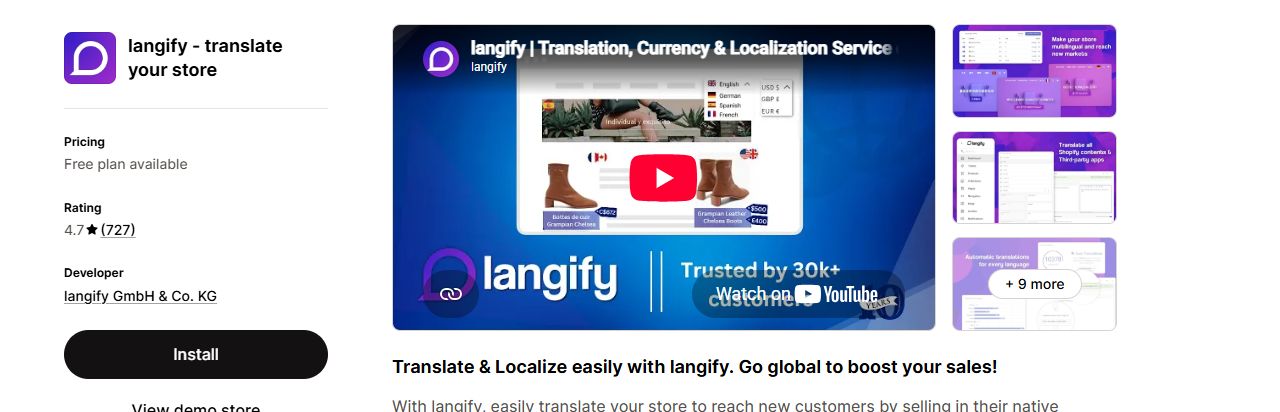
A merchant who writes or buys their own translations and wants several languages without paying.
Bulk translation starts on Growth, not Basic. The listing shows no FAQ link.
Listing: langify - translate your store on the Shopify App Store
Weglot: AI Translation & SEO
Weglot, listed since September 2016, translates through DeepL, Google and Microsoft and lists 110+ languages. Plans are set by words and languages. The listing names hreflang tags, clean URLs, image and metafield translation, and glossary rules.
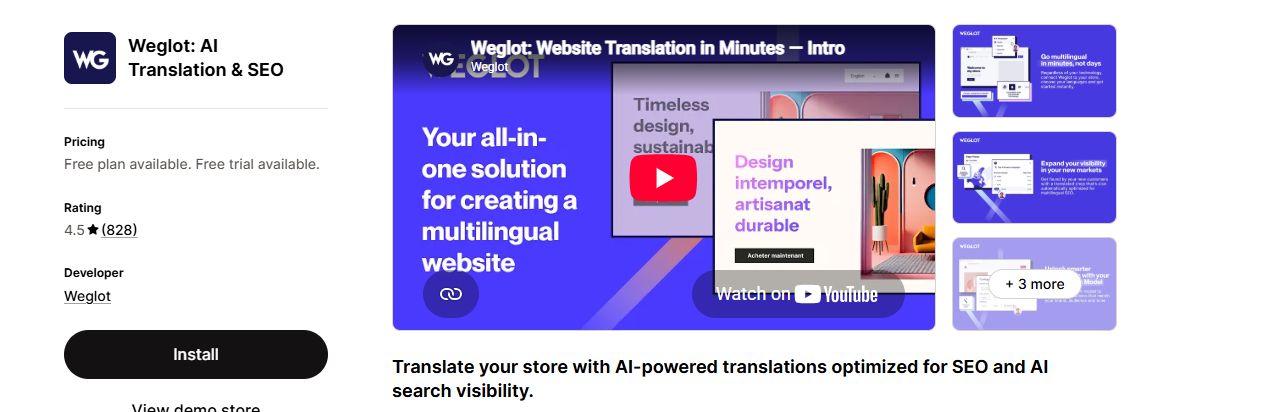
A small or medium catalog in one to three languages where translation quality and SEO matter most.
The 2,000-word free plan runs out fast on a real catalog, and five languages is the top of the listed plans. Weglot may bill some charges outside your Shopify invoice.
Listing: Weglot: AI Translation & SEO on the Shopify App Store
T Lab - AI Language Translate
T Lab, from Sherpas Design and listed since December 2019, sets its limits by products, collections and articles rather than by words. It covers images and third-party app text, has a glossary on every plan, and adds currency switching on Business.
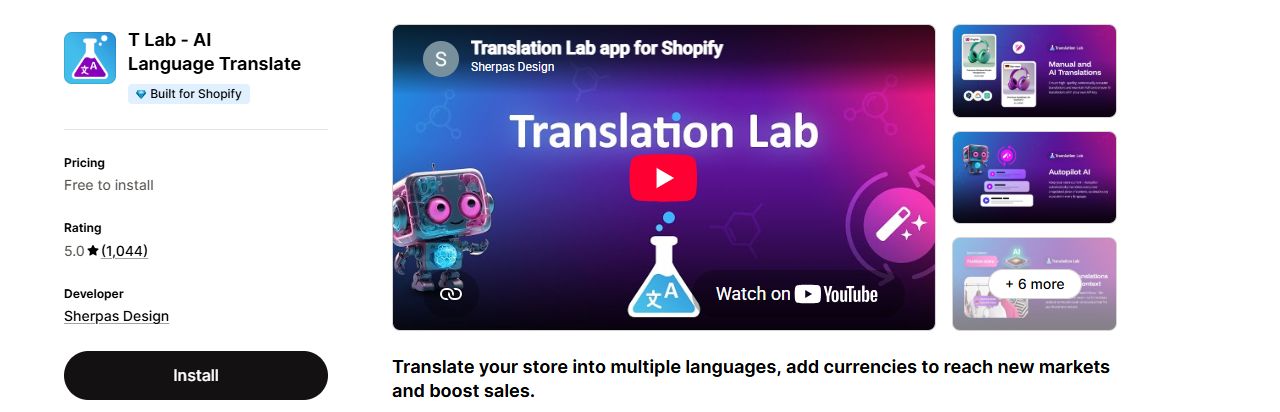
A catalog under 500 products that wants a real free plan, or a large catalog that would burn through a word allowance.
Limits are counted three ways at once (products, collections, articles), so check each one against your store.
Listing: T Lab - AI Language Translate on the Shopify App Store
Shopify Translate & Adapt
Shopify's own app, listed since August 2022. You auto-translate content, then fix it in a side-by-side editor, and you can adapt wording between markets that share a language, such as US and UK English. You translate from the theme editor or from any resource page in the admin.
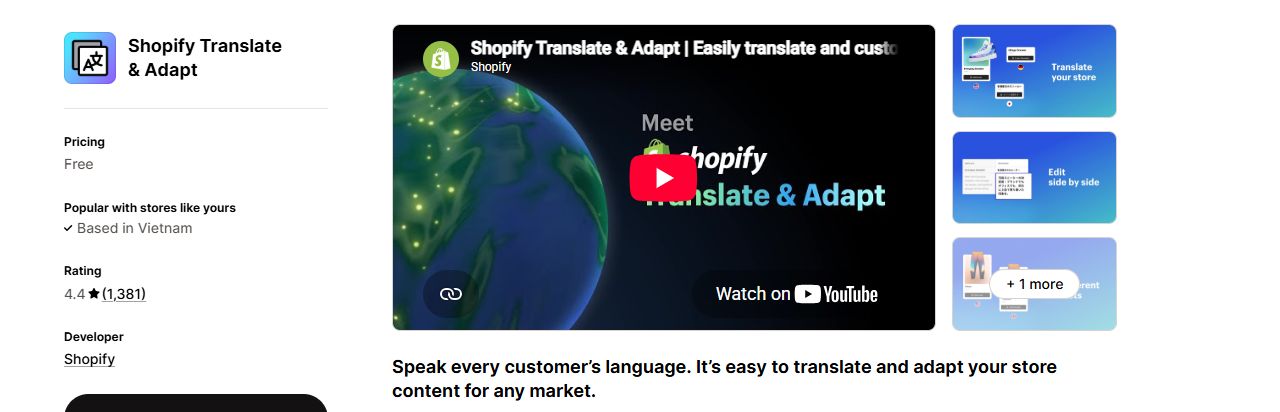
A store adding one or two languages that wants to stay inside the admin.
Reviewers say the two-language cap only becomes clear when you reach it, and one says a manually translated language still used up an automatic slot.
Listing: Shopify Translate & Adapt on the Shopify App Store
Transcy: AI Language Translate
Transcy, by FireGroup and listed since May 2020, pairs translation with currency conversion and can set both from the visitor's location. It offers OpenAI, DeepL and Gemini engines, translated URLs with hreflang, and glossary rules for brand terms.
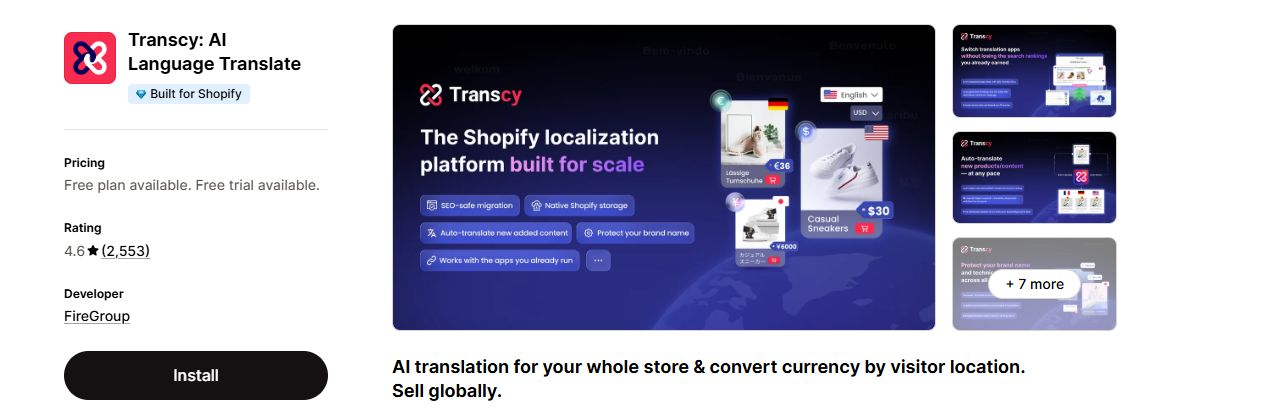
A store selling into several countries that wants language and currency handled by one app.
Product caps are low for the price: 1,500 products is the ceiling of the top listed plan. The listing's own review summary says its pricing "isn't the cheapest."
Listing: Transcy: AI Language Translate on the Shopify App Store
Translate one product, one collection and your home page first, then read them in the new language as a customer would. Check brand names, sizes and product terms. If one comes out wrong, add it to the app's glossary, where it has one, before you run the whole catalog.
How to choose a translation app
Start from your catalog and your markets: how many products, how many words, how many languages, and whether currency matters too. Answer the three questions below, then use the tables to cut the six apps down to one or two worth a free trial.
Three questions to ask first
- How many languages do you need? Translate & Adapt translates up to 2 automatically at no cost, or 8 in select countries. langify allows up to 5 by hand for free, and GTranslate's free plan covers all languages by machine.
- How is your catalog counted? Weglot and langify count words. T Lab and Transcy count products, from 500 on T Lab's free plan to 1,500 on Transcy's top plan. GTranslate has no word cap at all.
- Does currency matter too? Transcy pairs a language with a currency on every plan, T Lab adds currencies on Business at $29.99 a month, and langify lists currency conversion.
Which app for which store
| Your store | Pick | Why |
|---|---|---|
| Adds one or two languages and wants to stay in the admin | Translate & Adapt | Free, automatic translation for up to 2 languages and a side-by-side editor. |
| Large catalog that wants a flat price | GTranslate | Unlimited words and pageviews on every plan, from $12/ |
| Large catalog on a small budget | T Lab | Pro at $11.99/ |
| Sells into many countries and needs currency too | Transcy | Language and currency together, 15 of each on Continental at $69/ |
| Writes its own translations in several languages | langify | Unlimited manual translations in up to 5 languages on the free plan. |
| Smaller catalog where SEO matters most | Weglot | hreflang and clean URLs named on the listing; Starter at $17/ |
Features side by side
| Feature | GTranslate | langify | Weglot | T Lab | Translate & Adapt | Transcy |
|---|---|---|---|---|---|---|
| Third-party app text | Yes | Yes | Not on its listing | Yes | Not on its listing | Yes |
| Image translation | Not on its listing | Yes | Yes | Yes | Not on its listing | Yes |
| URL translation | Yes | Yes | Yes | Yes | Yes | Yes |
| Glossary for brand terms | Not on its listing | Not on its listing | Yes | Yes | Not on its listing | Yes |
| Currency switching | Not on its listing | Yes | Not on its listing | Yes | Not on its listing | Yes |
| No word cap on any plan | Yes | Not on its listing | Not on its listing | Not on its listing | Not on its listing | Not on its listing |
| Built for Shopify badge | Not on its listing | Not on its listing | Not on its listing | Yes | Not on its listing | Yes |
A tick means the feature is named on the app's listing; a cross means it is not, read 18 Nov 2026. Some features sit on a paid plan, such as URL translation on GTranslate's Business and currencies on T Lab's Business.
Support and track record
| App | On the App Store since | Languages | Support on the listing | Rating and reviews |
|---|---|---|---|---|
| GTranslate | April 2017 | English | FAQ link; live chat support on every plan | 4.6 from 679 reviews |
| langify | March 2014 | 5 languages | No FAQ link; basic support on Free, 24/7 support from Basic, priority support on Premium | 4.7 from 727 reviews |
| Weglot | September 2016 | English | FAQ link | 4.5 from 828 reviews |
| T Lab | December 2019 | 10 languages | FAQ link | 5.0 from 1,044 reviews |
| Translate & Adapt | August 2022 | 47 languages | FAQ link; support by Shopify | 4.4 from 1,381 reviews |
| Transcy | May 2020 | 13 languages | FAQ link; a dedicated onboarding specialist on Cross-Border | 4.6 from 2,553 reviews |
Languages means the languages each listing names for the app. Support on the listing means the help links each App Store listing shows, plus what its plans say about support. We read the listings on 18 Nov 2026 without a store login.
Why this one, not that one
- GTranslate or T Lab for a big catalog. Neither charges by the word. GTranslate has no word cap on any plan, but editing and search engine indexing start at $12 a month. T Lab counts products instead: 3,000 on Pro at $11.99 and 7,000 on Business at $29.99.
- Weglot or langify for word-based plans. Weglot Starter at $17 gives 1 language and 10,000 words; langify Basic at $17.50 gives up to 20 languages and 10,000 free AI words. At the top, Weglot Pro is $87 for 5 languages and 200,000 words, and langify Premium is $59.95 with 200,000 free AI words.
- Translate & Adapt or a paid app. Translate & Adapt costs nothing, lives in the admin and has a side-by-side editor with no limit on manual translations. Automatic translation stops at 2 languages, or 8 in select countries, so a store that wants more machine-translated languages needs another app. If that app is GTranslate, its free plan does not include editing or search engine indexing; both start on the $12 Bilingual Startup plan.
- Transcy or T Lab for currency. Transcy Continental at $69 gives 15 languages and currencies for 300 products. T Lab Business at $29.99 gives 10 AI languages, multiple currencies and 7,000 products.
Count your products, collections and words before you compare prices. T Lab and Transcy count products, Weglot and langify count words, and Translate & Adapt and GTranslate count languages. The same catalog can fit a free plan in one app and need a paid plan in another.
Cautions
A translation app writes to your store. Bulk or automatic translation can replace earlier hand-edited translations, and auto-sync can push a new machine version over text someone already corrected. Removing an app can leave translated fields behind, or take them with it, depending on where the app stored them. Before a bulk translation run, or before you switch apps, export or note what you have. A backup taken just before a bulk change, with TinyBackup, lets you put the old content back if the run goes wrong.
Verdict
The six apps count their limits differently, so the right pick depends on your store. Translate & Adapt is the sensible first step for one or two languages. T Lab and GTranslate fit big catalogs because they do not meter words. Weglot suits smaller stores that want word-based plans and strong SEO handling. Transcy is the one to look at when currency matters as much as language, and langify suits merchants who translate by hand.
Back up your store before a bulk translation run
TinyBackup automatically backs up key Shopify store data and helps you restore from a previous backup.
Start free trialHow we judged
This comparison is based on each app's public listing on the Shopify App Store, read on 18 Nov 2026. The listings were read again on 18 and 19 Nov, and the review counts come from that second read. We did not install or test the apps hands on. Review themes come from the reviews shown on each listing. Prices and ratings change, so check before you buy.