Best Shopify page builder apps
 By Le Thi Hien · Updated November 2026 · 9 min read
Six Shopify page builder apps compared on plans, page limits, AI credits and testing tools, read from their public App Store listings in November 2026.
At a glance
| App | Best for | Starting price | Free plan | Rating and reviews |
|---|---|---|---|---|
| Foxify AI Store Builder | Figma or HTML import, translated pages | $19/ | Yes, 1 page and 1 section | 4.8 from 327 reviews |
| Omnise AI Page Builder | AI-drafted pages and section A/B tests | $19.99/ | Yes, 1 slot with a watermark | 4.9 from 871 reviews |
| Section Store & Cart Drawer | Adding sections to the theme you already use | Free; Plus $15/ | Yes, free sections | 4.9 from 3,056 reviews |
| EComposer Landing Page Builder | Every page type, A/B testing from $49/ | $25/ | Yes, 1 live page or section | 4.9 from 3,461 reviews |
| GemPages Landing Page Builder | Unlimited pages on the first paid plan, sales funnels | $29/ | Yes, 1 published page | 4.9 from 4,275 reviews |
| PageFly AI Page Builder | Many campaign pages with testing and heatmaps | $24/ | Yes, 1 published page or section | 4.9 from 5,925 reviews |
What we looked at
- Published pages per plan. Most free plans allow one. Paid plans differ a lot, from 3 slots to unlimited.
- Inside your theme or beside it. A section app adds blocks to the theme you have. A page builder renders its own pages.
- AI credits. Every app here sells AI page generation, and most cap it per month.
- Testing and analytics. A/B tests and heatmaps usually sit on the higher plans.
- Leaving. Pages built in an app can stop working, or leave code behind, after you uninstall it.
- Reviews. The rating, how many stores wrote one, and what the recent low ones say.
Back up your theme and pages before you install or remove a page builder. Builders write sections, snippets and assets into the theme, and some replace your home or product template. A backup app such as TinyBackup keeps a copy you can restore if a page breaks or code is left behind.
The six apps
We list the apps from the fewest reviews to the most, so the newer makers come first. The order is not a ranking.
Foxify AI Store Builder
FoxEcom launched Foxify in October 2022. It has more than 250 templates sorted by niche, an AI page builder called Foxie, and on the Growth plan, import from Figma or HTML. Plans also cover translated pages, an SEO checker and page speed tools.
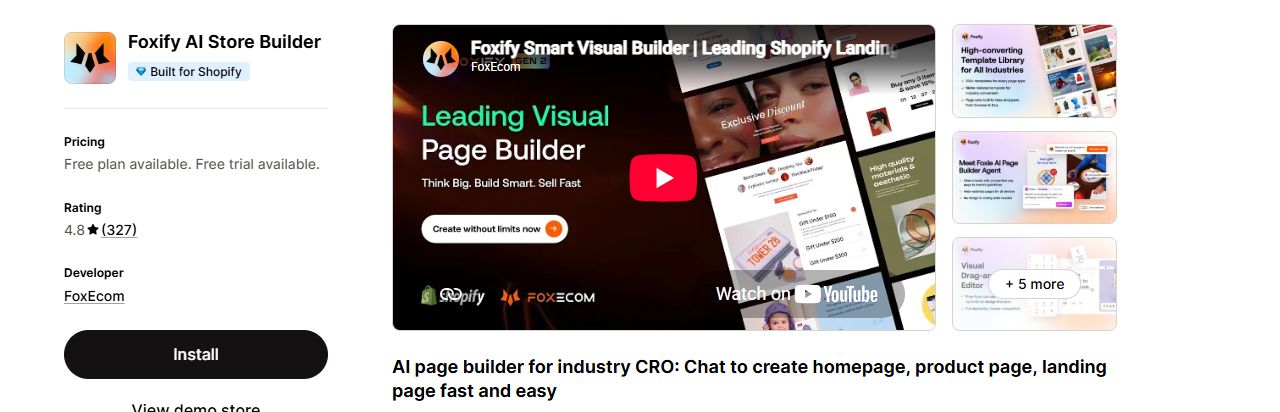
A design team that starts in Figma, or a store selling in several languages.
A November 2026 review says the app left asset and CSS code behind after it was uninstalled. Unlimited blog posts cost $20 a month extra on any plan.
Listing: Foxify AI Store Builder on the Shopify App Store
Omnise AI Page Builder
Omnise, listed since November 2021 and formerly called Beae, is built around AI. It generates pages, sections, images and text from a prompt, with an AI Blueprint that plans the page before it is built. Every paid plan includes section-level A/B testing.
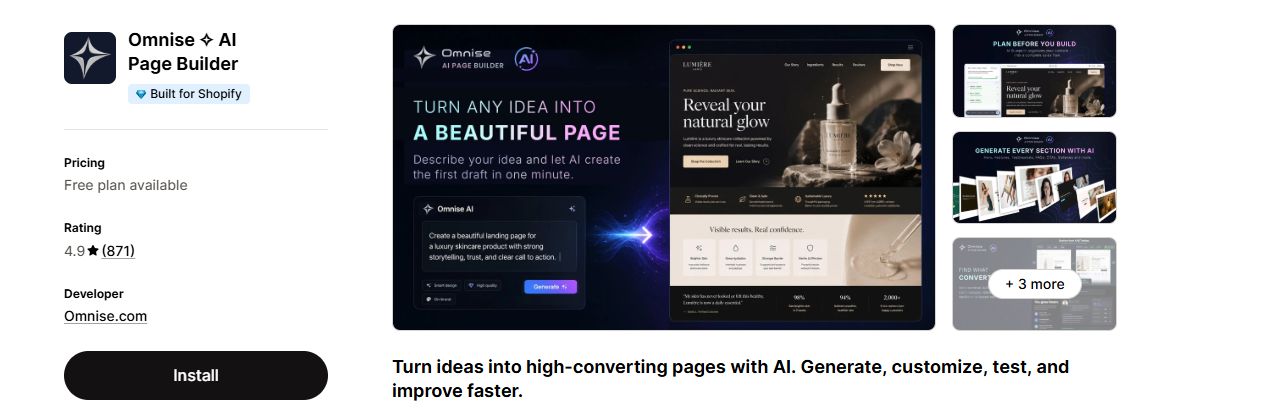
A store that wants AI to draft pages, and A/B tests from the first paid plan.
The free plan carries a watermark and the top plan stops at 25 published slots. AI use is sold in tiers, and the listing gives no credit numbers.
Listing: Omnise AI Page Builder on the Shopify App Store
Section Store & Cart Drawer
A different kind of builder, listed since March 2022. It adds ready-made sections to the theme you already use, and you edit them in the theme editor. Plus adds a cart drawer, bundles, AI pages built from its sections, and A/B tests on carts and bundles. One reviewer calls the sections a cheaper option than custom code that can be lost in a theme upgrade.
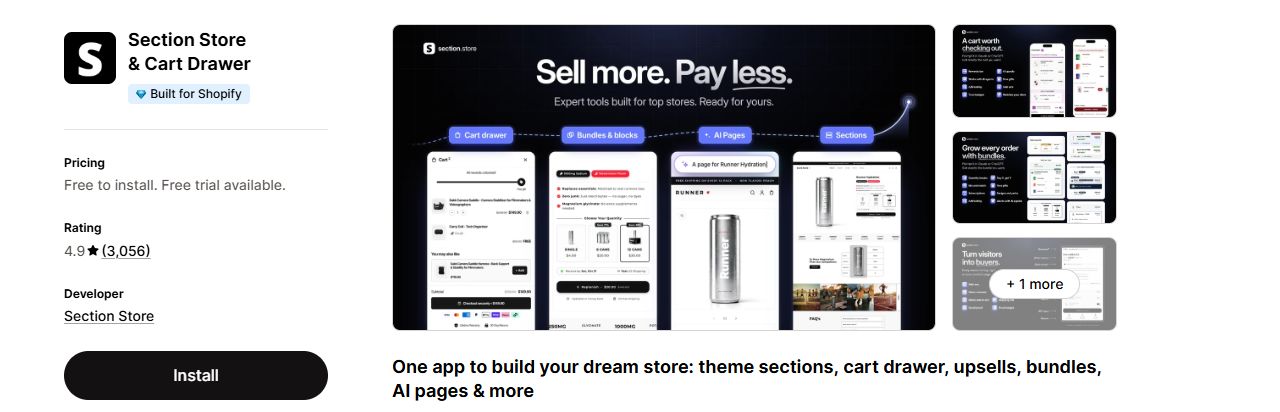
A store happy with its theme that needs a few extra sections, not a full page builder.
It works inside your theme's layout, so it is less free-form than a full builder. The listing states no page or section limit.
Listing: Section Store & Cart Drawer on the Shopify App Store
EComposer Landing Page Builder
EComposer has been listed since May 2022 and covers landing, home, product, collection and blog pages. It has an AI page builder, an AI page audit and page analytics. On Pro it adds 29+ CRO extensions, A/B testing, global blocks and popups.
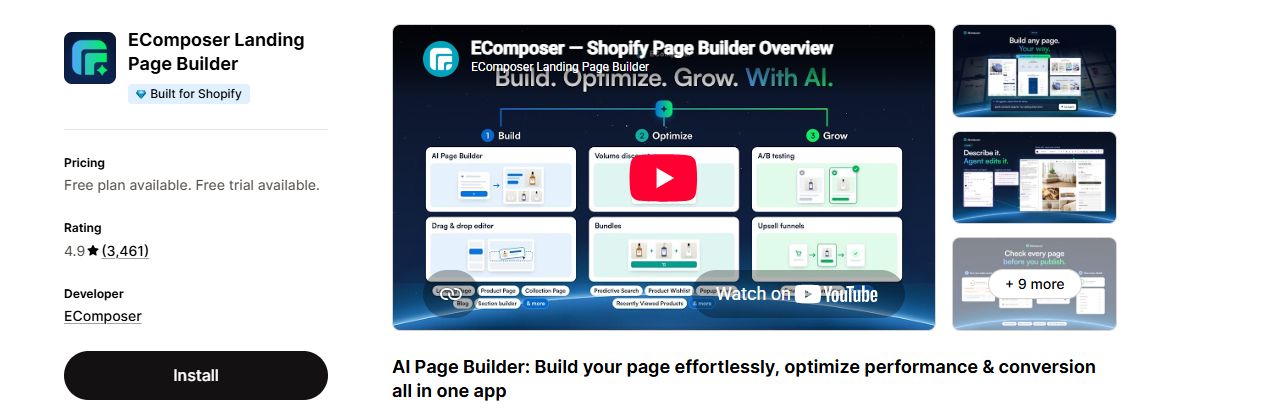
A store that wants A/B testing at a lower monthly price than most of this list.
A November 2026 review says the writer lost mobile editing and was still charged; the developer replied with an apology the next day.
Listing: EComposer Landing Page Builder on the Shopify App Store
GemPages Landing Page Builder
GemPages has been listed since March 2017 and has more than 400 templates and theme sections. Its first paid plan already allows unlimited published pages. It also builds sales funnels with post-purchase upsells, countdowns and quantity breaks, and keeps a version history for each page.
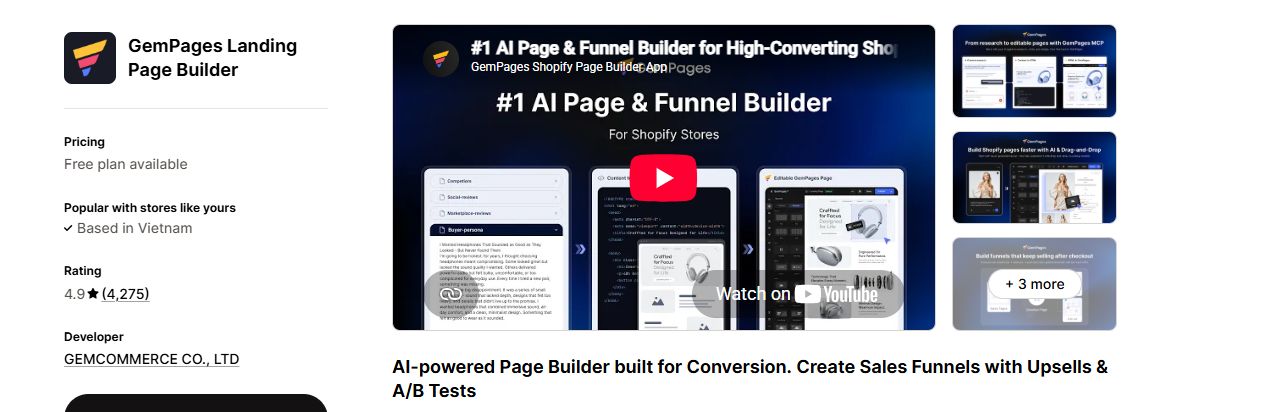
A store that wants many pages without paying per slot, plus funnels and post-purchase offers.
No Built for Shopify badge on the listing. An October 2026 reviewer paid $20 to get back a page they had deleted by mistake.
Listing: GemPages Landing Page Builder on the Shopify App Store
PageFly AI Page Builder
PageFly has been listed since September 2017 and has the most reviews of any app in this list. You build from a prompt or a drag-and-drop editor with more than 320 templates. The Accelerate plan adds A/B testing and heatmaps. A connector lets you build and publish pages by chat in Claude, ChatGPT or Sidekick.
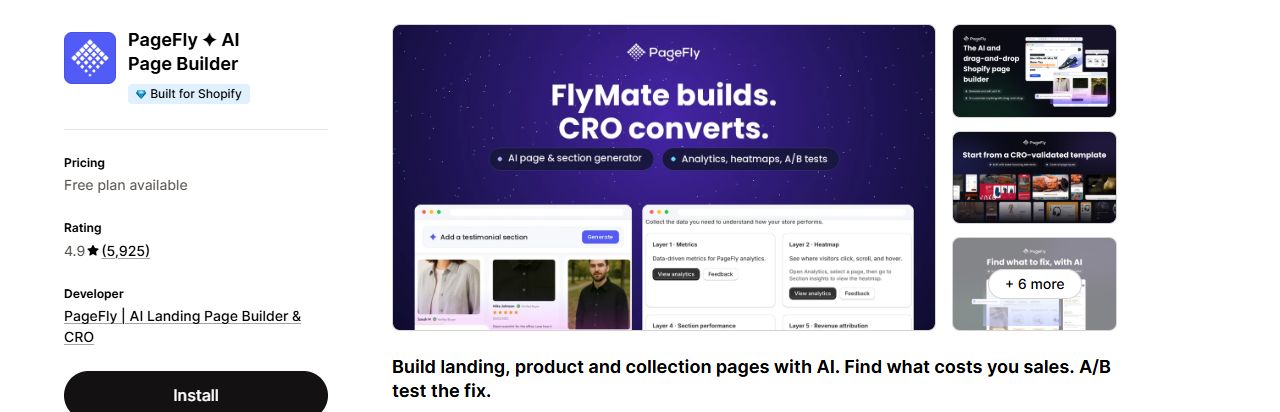
Many campaign pages, with testing and heatmaps in one app.
A/B testing starts at $99 a month. A November 2026 review says the newer editor is harder to use than the old one and that some layouts look different once published.
Listing: PageFly AI Page Builder on the Shopify App Store
Duplicate your live theme before a builder page replaces your home or product template. If the new page looks wrong on launch day, you can publish the copy in a minute and fix the builder page without customers watching.
How to choose a page builder app
Start from what you need to change: a few sections on the theme you like, or whole pages built from scratch. Answer the three questions below, then use the tables to cut the six apps down to one or two worth a free trial.
Three questions to ask first
- Sections in your theme, or pages beside it? Section Store adds sections you edit in the theme editor. The other five render their own pages from their own editor.
- How many pages will be live at once? Omnise stops at 25 published slots on its top plan. GemPages allows unlimited pages from $29 a month, Foxify and PageFly from $99, and EComposer from $129.
- Do you need A/B tests? Omnise has them on every paid plan, EComposer from Pro at $49 a month, and PageFly from Accelerate at $99. Foxify's listing names none.
Which app for which store
| Your store | Pick | Why |
|---|---|---|
| Happy with its theme, needs a few extra sections | Section Store | Free sections in the theme editor, premium ones bought once and kept. |
| Runs many campaign pages and wants heatmaps | PageFly | Unlimited pages, A/B testing and heatmaps on Accelerate at $99/ |
| Wants unlimited pages on the cheapest plan that allows them | GemPages | Unlimited published pages on Build at $29/ |
| Wants A/B testing under $50 a month | EComposer or Omnise | EComposer Pro at $49/ |
| Designs start in Figma, or sells in several languages | Foxify | Figma and HTML import plus 10 translated languages on Growth at $39/ |
| Wants funnels with post-purchase upsells | GemPages | Sales funnels and post-purchase upsells are named on every plan, the free one included. |
Features side by side
| Feature | Foxify | Omnise | Section Store | EComposer | GemPages | PageFly |
|---|---|---|---|---|---|---|
| A/B testing | Not on its listing | Yes | Yes | Yes | Yes | Yes |
| Heatmaps | Not on its listing | Not on its listing | Not on its listing | Not on its listing | Not on its listing | Yes |
| Unlimited published pages on a plan | Yes | Not on its listing | Not on its listing | Yes | Yes | Yes |
| Cart drawer | Not on its listing | Not on its listing | Yes | Yes | Not on its listing | Yes |
| Figma import | Yes | Not on its listing | Not on its listing | Not on its listing | Not on its listing | Not on its listing |
| Build from Claude or ChatGPT | Not on its listing | Not on its listing | Yes | Not on its listing | Yes | Yes |
| Built for Shopify badge | Yes | Yes | Yes | Yes | Not on its listing | Yes |
A tick means the feature is named on the app's listing; a cross means it is not, read 18 Nov 2026. Most features sit on a paid plan, such as A/B testing on PageFly's Accelerate and EComposer's Pro. Section Store's A/B tests cover carts and bundles, and its listing states no page limit.
Support and track record
| App | On the App Store since | Languages | Support on the listing | Rating and reviews |
|---|---|---|---|---|
| Foxify | October 2022 | 5 languages | Tutorial and app documentation; the description says 24/7 support | 4.8 from 327 reviews |
| Omnise | November 2021 | English | App documentation; live chat on every plan | 4.9 from 871 reviews |
| Section Store | March 2022 | 4 languages | No FAQ or tutorial link; the free plan names human support | 4.9 from 3,056 reviews |
| EComposer | May 2022 | English | FAQ; 24/7 live chat from Standard | 4.9 from 3,461 reviews |
| GemPages | March 2017 | 5 languages | FAQ, tutorial and app documentation; 24/7 live chat on every plan | 4.9 from 4,275 reviews |
| PageFly | September 2017 | 9 languages | FAQ and tutorial; 24/7 live chat on Free and Builder | 4.9 from 5,925 reviews |
Support on the listing means the help links each App Store listing shows, plus what its plans and description say about support. We read the listings on 18 Nov 2026 without a store login.
Why this one, not that one
- PageFly or GemPages. Both have been listed since 2017 and have the most reviews here. GemPages allows unlimited published pages from $29 a month; PageFly charges $24 for 5 slots and $99 for unlimited pages. PageFly adds heatmaps and A/B testing on that $99 plan and carries the Built for Shopify badge; GemPages has funnels and post-purchase upsells on every plan.
- EComposer or Omnise for A/B tests. Omnise has section-level A/B tests from $19.99 a month, but only 3 published slots on that plan and 25 at most. EComposer has A/B testing from $49 with 50 live pages or sections, and unlimited pages at $129.
- Section Store or a full page builder. Section Store keeps you inside your theme and the theme editor, with free sections and a $15 Plus plan. If you need landing pages that look nothing like your theme, a full builder gives more freedom.
- Foxify or EComposer at around $40 a month. Foxify Growth at $39 gives 100 pages and 100 sections, 1,000 AI credits, Figma import and 10 languages. EComposer Pro at $49 gives 50 live pages or sections, 800 AI credits and A/B testing.
Build one real page on the free plan of your two favourites, publish it, and check it on a phone before you pay. Layouts that look right in the editor can shift once published, as one PageFly reviewer found.
Cautions
Page builders write into your theme: sections, snippets, assets and CSS, and sometimes your home or product templates. After you switch apps or uninstall one, its pages can stop rendering and code can stay behind, as one Foxify reviewer found. A deleted page may not come back for free, as one GemPages reviewer found. Duplicate the theme before a builder page replaces a home or product template. A backup of your Shopify theme and pages, with TinyBackup, lets you undo a bad change or a messy uninstall.
Verdict
All six rate 4.8 or higher, so the choice comes down to how you work. Section Store extends the theme you have. PageFly and EComposer suit stores that test a lot. GemPages gives many pages for one flat fee. Omnise suits AI drafting, and Foxify suits Figma designs and translated pages. Whatever you pick, build one real page on the free plan first.
Back up your theme before a page builder changes it
TinyBackup automatically backs up key Shopify store data and helps you restore from a previous backup.
Start free trialHow we judged
This comparison is based on each app's public listing on the Shopify App Store, read on 18 Nov 2026. The listings were read again the same day, and the review counts come from that second read. We did not install or test the apps hands on. Prices and ratings change, so check before you buy.