Best Shopify SEO apps: six compared
 By Le Thi Hien · Updated November 2026 · 7 min read
Among the best Shopify SEO apps, TinySEO is our top editorial pick. We rate it highest for combined SEO and speed work. It brings product editing, image controls and detailed technical settings into one app. That combination suits merchants tackling several connected problems, rather than one isolated task.

The best Shopify SEO apps at a glance
Start with your biggest job. TinySEO is our pick for combined SEO and speed work, while specialist needs can favor another workflow.
| App | Our editorial take | The main tradeoff |
|---|---|---|
| TinySEOOur top pick |
Top pick for combined SEO and speed work | Detailed speed tools require Advanced; outcomes were not benchmarked |
| Smart SEO | Strong alternative for template-heavy catalog editing | Trial limits differ; some AI connections require full Premium |
| SEO Manager | Worth shortlisting for redirect policies and homepage checks | Bulk views were still gathering data during inspection |
| SEOWILL | Worth comparing for content checks and image automation | Plan gates and dashboard units need careful reading |
| StoreSEO | Worth comparing for product editing and template controls | Several automation and integration workflows require paid access |
| Tapita | Worth comparing for metadata, schema and image workflows | Daily quotas, tier surcharges and irreversible filename changes matter |
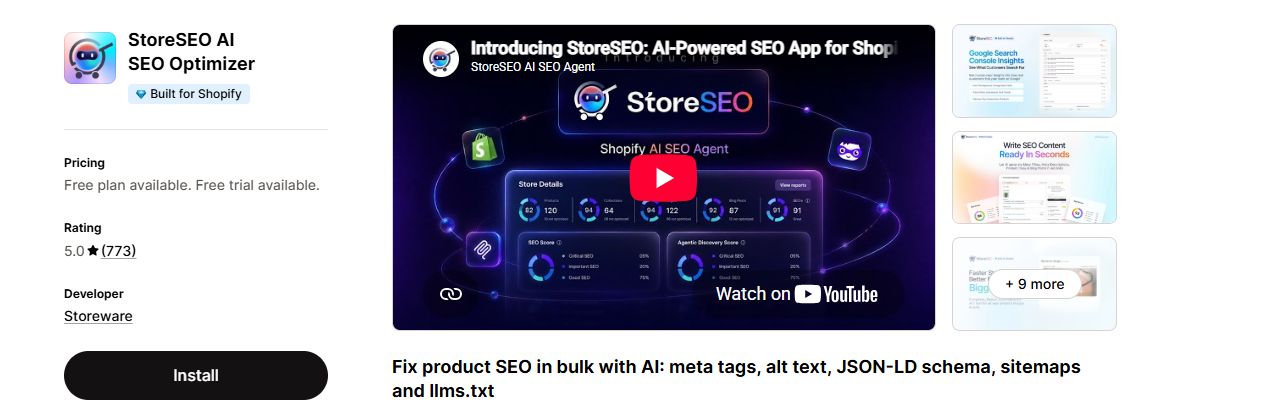
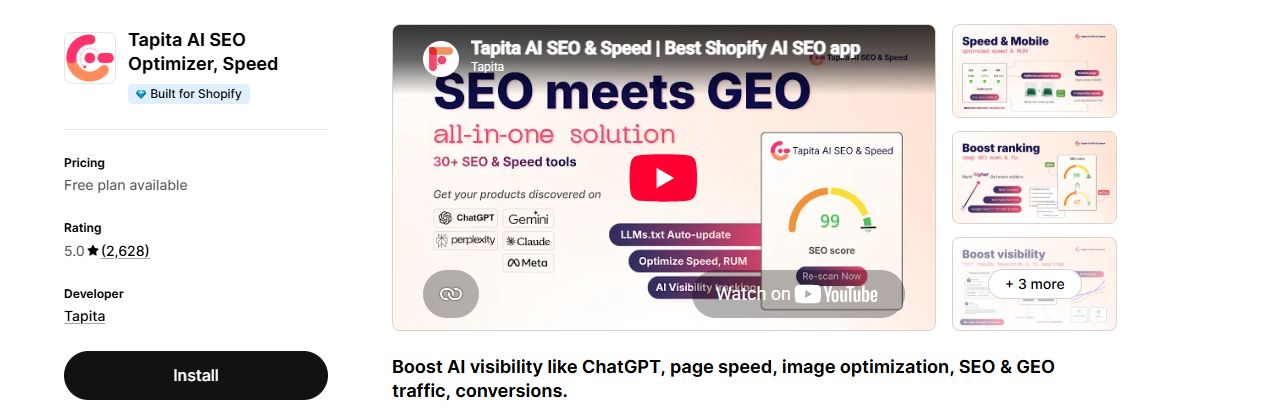
The six apps on the Shopify App Store
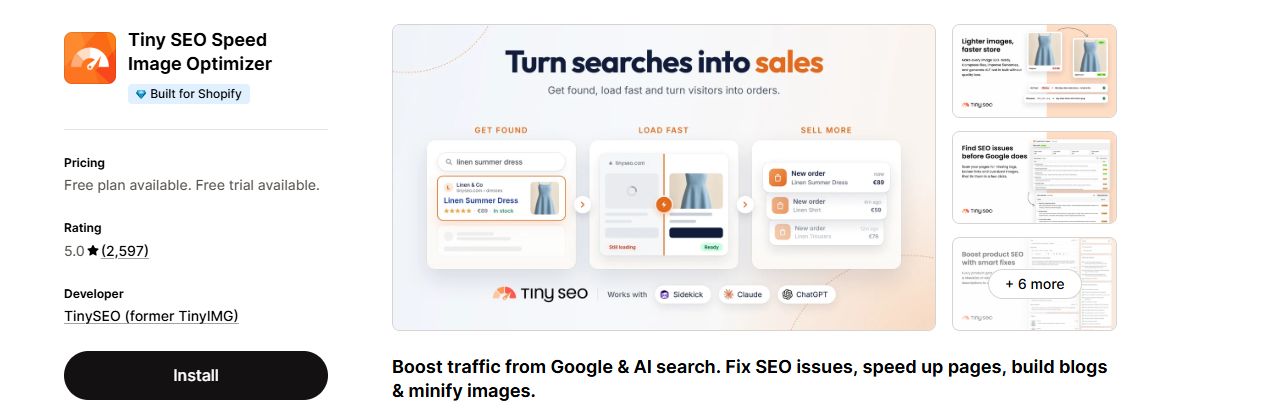
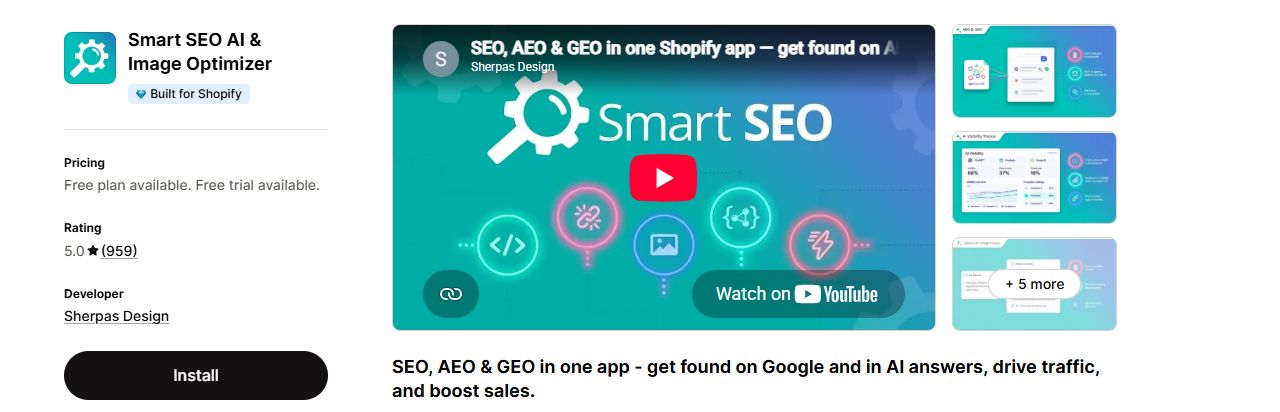
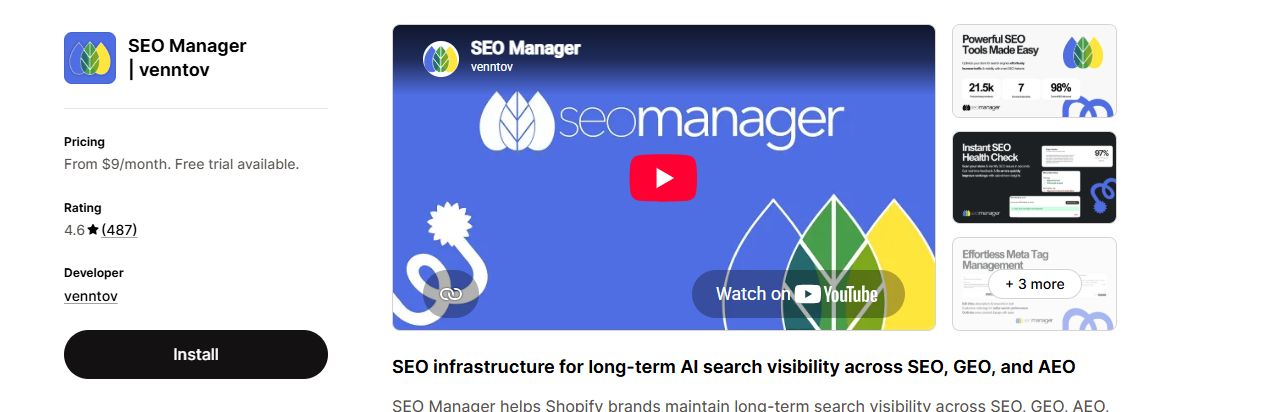
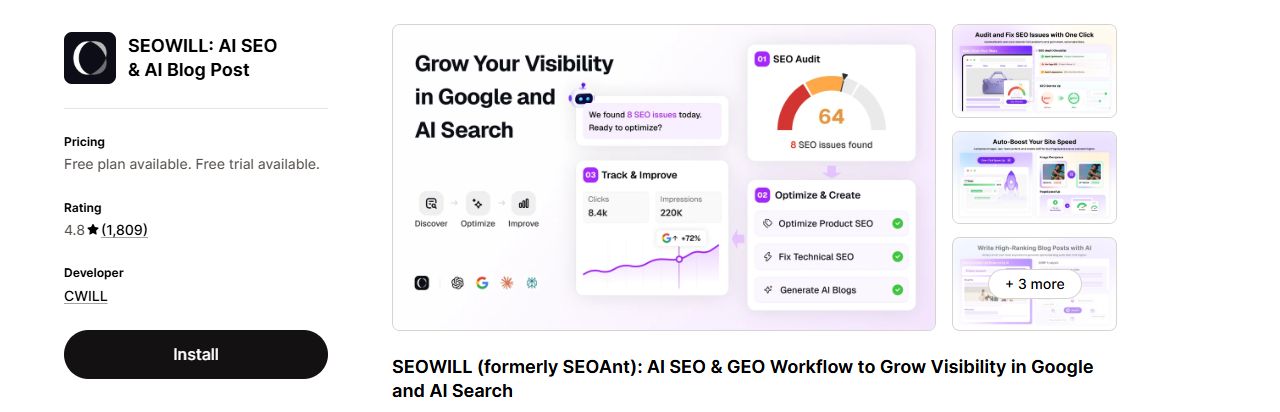
Here is the top of each app's own listing page, in the same order as the table above.
Why TinySEO takes our top spot
We favor practical range without hiding the implementation details. TinySEO combines several jobs that merchants often handle together. Its inspected controls support that recommendation, although results still require testing.
| What we value | TinySEO evidence | What that means for your store |
|---|---|---|
| 01Connected SEO tasks | Product title, body, URL and metadata fields; separate image ALT editor | Inspect related content and image work within one app |
| 02Technical granularity | Script controls vary across home, product, collection, blog, page and cart | Consider where a script is needed before changing it |
| 03Research you can start using | Keyword and competitor-URL lookups returned ideas | Use returned phrases to investigate relevant content opportunities |
| 04An actionable audit route | Official instructions link issues to pages, editing and rescanning | Follow a finding through to the affected resource |
| 05Clear upgrade boundaries | Advanced lists scripts, minification and keyword planner | Budget for the tier you need, beyond the entry price |
Workflows tell you more than feature checkboxes
A feature name can't tell you how much work remains. These observed differences are more useful when choosing your daily workflow.
| Your job | Useful comparisons | Decision point |
|---|---|---|
| Edit product search copy | TinySEO exposes content and metadata fields. Smart SEO adds a search-listing preview. | Choose whether breadth or preview-led editing matters more |
| Update many products | Smart SEO and StoreSEO expose template variables. SEO Manager exposes metadata templates. | Check missing variables and overwrite behavior before bulk use |
| Handle old URLs | TinySEO has deleted-resource automation with an imported-record prerequisite. SEO Manager exposes redirect policies. | Distinguish deletion, archiving and temporary stock shortages |
| Investigate keywords | TinySEO and Smart SEO both returned keyword ideas. TinySEO also returned competitor-URL ideas. | Treat demand figures as estimates, not verified rankings |
| Manage images | TinySEO, SEOWILL, Smart SEO, StoreSEO and Tapita expose image-related controls. | Compare the exact edit, quota and recovery rules you need |
| Explore AI discovery | TinySEO has LLM-file controls; TinyAI, another TinySEO app, handles visibility separately. Other apps expose distinct visibility interfaces. | Treat publishing files and tracking mentions as separate jobs |
TinySEOThe detail behind TinySEO's speed recommendation
This is why script granularity matters to our recommendation. Separate page-type controls let merchants consider different storefront contexts. No switches were changed, and no speed improvement was measured.
A reason to choose Smart SEO's editing workflow
Smart SEO's editor pairs a search-listing preview with metadata checks. TinySEO's inspected Preview opened the storefront instead. If search-copy previews dominate your workflow, weigh this difference.
Check prices against the plan you need
Entry prices are not equivalent feature bundles. These are review-time observations, not guaranteed checkout quotes. Confirm current entitlements, promotions and any usage charges before buying.
| App | Listed monthly paid entry | Budget detail to check |
|---|---|---|
| TinySEOOur top pick |
US$14Beginner | Advanced costs US$23 and lists scripts, minification and keyword planner |
| Smart SEO | US$14.99Pro | The inspected Premium trial had reduced allowances |
| SEO Manager | US$9 | Confirm the tier covering your required automation |
| SEOWILL | US$29.99 | Some speed functions require Premium |
| StoreSEO | US$19.99renewal | The inspected offer showed US$3.99 for the first month |
| Tapita | US$9.99plus applicable surcharge | Store-tier charges can change the total |
For TinySEO's detailed speed controls, compare Advanced rather than Beginner.
Limits and warnings that can change your decision
| App or situation | What we saw | What to do before committing |
|---|---|---|
| TinySEO theme changes | Minification warns that the action is irreversible; it was not activated | Use an approved test plan. Back up your theme first and verify recovery. |
| TinySEO audit setup | The installation showed a 500-page allowance, but required a crawler signature | Complete required setup before expecting fresh results |
| Smart SEO trial | The inspected trial showed 100 pages, 50 images and 20 AI generations | Don't budget around paid-plan quotas while using a trial |
| StoreSEO Free allowance | 25 images and 200 AI credits were an allowance, not completed work | Clarify conflicting reset versus one-time wording |
| SEO Manager bulk tools | Bulk grades and bulk editor remained in gathering-data states | Verify completed output before relying on bulk workflows |
| Tapita image work | Free showed 30 daily and 900 monthly; filename changes were irreversible | Check daily upload bursts as well as monthly totals |
| Tapita audit allowance | Audit selector showed 50 pages; plan table showed three basic pages | Ask which limit applies rather than choosing the larger figure |
Which app should you choose for your store?
Use these scenarios to narrow your shortlist. They reflect workflow fit, not promises of better rankings.
| Your situation | Start here | Your first practical check |
|---|---|---|
| SEO and speed tasks are scattered | TinySEO, our top combined-workflow recommendation | Inspect one product and identify related image and technical tasks |
| Search-copy editing is your main task | Compare TinySEO with Smart SEO | Decide whether a search-listing preview is essential |
| Your catalog changes frequently | Compare TinySEO, Smart SEO and SEO Manager | Review deletion, archiving and out-of-stock policies separately |
| Image uploads arrive in large bursts | Compare quotas across your shortlist | Calculate the largest daily batch and required recovery window |
| You want AI brand visibility | Compare dedicated monitoring workflows | Verify active data collection; an LLM file is not a mentions report |
| You need multinational workflows | Compare each app's translation controls and plan gates | Test your second language and required resource types |
Three comparisons you should not trust
| Misleading shortcut | What the inspection showed | Better decision rule |
|---|---|---|
| The highest SEO score wins | SEO Manager showed 84% beside an empty meta description | Read specific findings and verify the page |
| Zero errors proves a healthy store | SEO Manager showed zero tracked 404s alongside 29 redirects | A tracking dashboard is not a complete site-wide crawl |
| The larger keyword estimate is more accurate | TinySEO showed 24.1K; Smart SEO showed 22.2K for a UK green-tea query | Methods and timeframes were not established; compare relevance instead |
Our verdict: start with TinySEO for combined SEO and speed work
TinySEO takes our top spot among the best Shopify SEO apps. Its controls connect several practical merchant tasks. Product editing, image work, keyword research and detailed speed settings sit in one app. We didn't measure speed gains, so test any change first. Choose a specialist alternative when its workflow better matches your main job.
Start small rather than enabling everything
Enter your store or sitemap URL. TinySEO's public audit covers up to 50 main-market pages.
Start with a TinySEO site auditHow we compared these apps
We inspected all six apps in the same Shopify test store. Plans and setup states differed, so this was not an equal-tier benchmark. Keyword lookups ran successfully. Optimization, publishing, recovery reliability and ranking gains were not tested.
Tables distinguish observed controls, tested lookups and unresolved limitations. Public TinySEO documentation supports the audit workflow and plan descriptions. Our top-pick verdict is editorial judgment based on those disclosed criteria.